Free · No sign-up
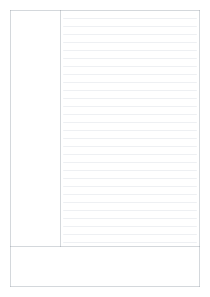
Cornell notes.
One page, three spaces: notes, cues and a summary. Adjust the layout for the way you listen, learn and review.
Live preview210 × 297 mm
A48 mm
Preview is scaled to fit. The PDF keeps the exact dimensions.
Cornell notes
A good place to start
Popular layouts, ready to use. Open one and adjust it to your page.
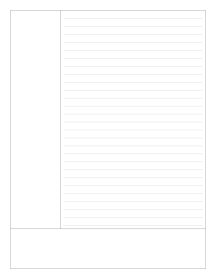
Cornell notes
Separate recording from reviewing.
Use the large right-hand area for notes during a class, meeting or reading session. Add questions and keywords in the left column afterwards, then write a short summary at the bottom. The blank sections leave the language and headings up to you.
Set the proportions that work for you.
Change the cue column width and the summary height independently. Horizontal rules appear only in the main notes area. The layout stays inside your minimum margin, and section sizes are limited so there is always a usable notes area.
Made right here, in your browser.
Your sheet is generated on your device. There is no upload, account or watermark. A settings link contains only the layout options you choose.
A few useful answers
Are headings printed on the sheet?
No. The PDF contains the section borders and note lines only, so you can write your own headings in any language.
Can I make a wider question column?
Yes. Increase the cue column width. The available range depends on the paper size and margins.
Does it work on A5?
Yes. Section dimensions are adjusted when needed to keep the smaller page usable. Check the preview before downloading.
Paper tools
A different kind of page?
Six useful starting points. Every sheet is yours to adjust.